01
BJS
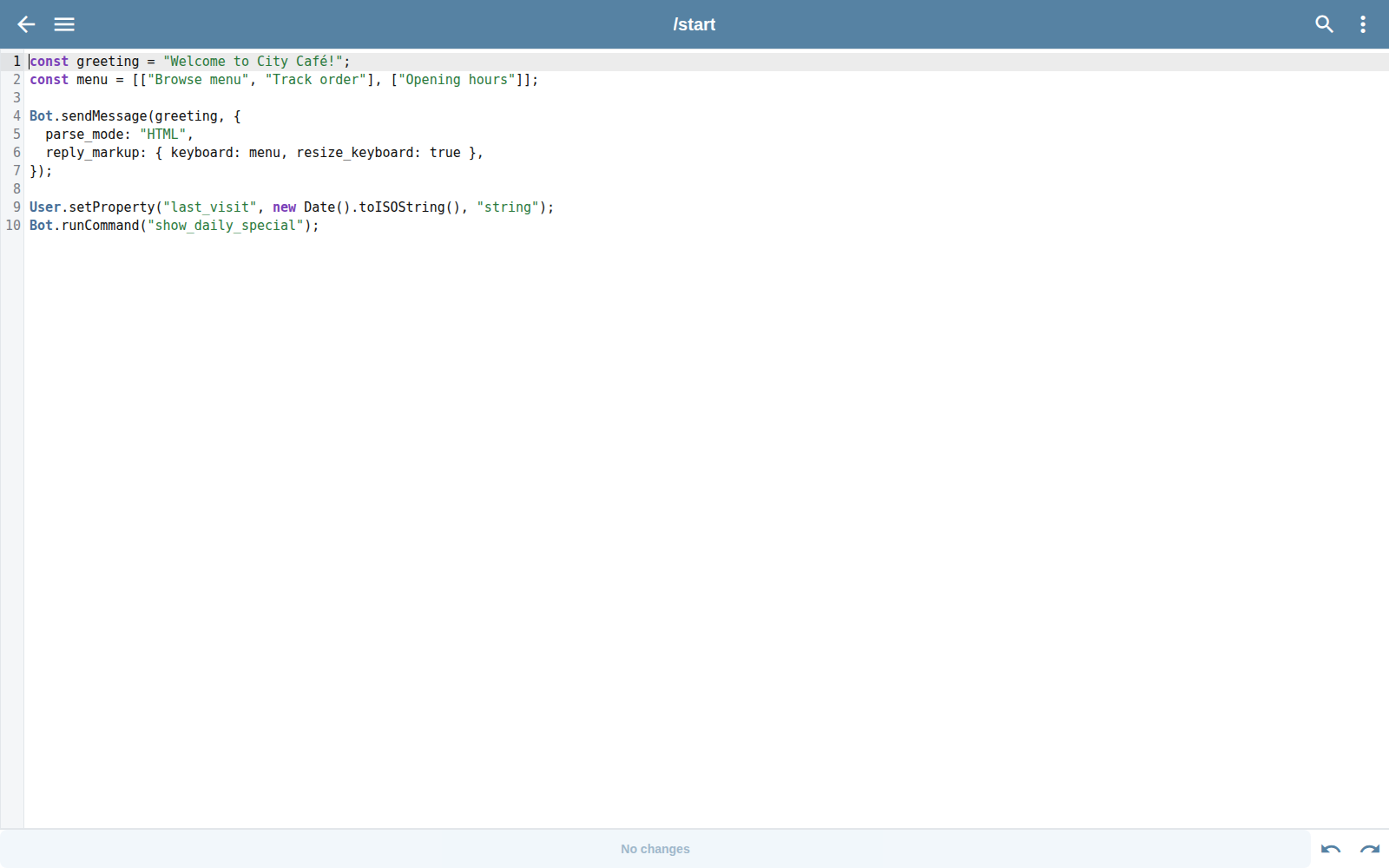
Write command logic close to the bot workspace and call Telegram Bot API methods.
BJS · VS Code · Git · API v2
Start close to the product UI or build an automated workflow around the production REST API.
Choose your workflow
Write command logic close to the bot workspace and call Telegram Bot API methods.
Keep command files in a familiar editor and sync changes on save.
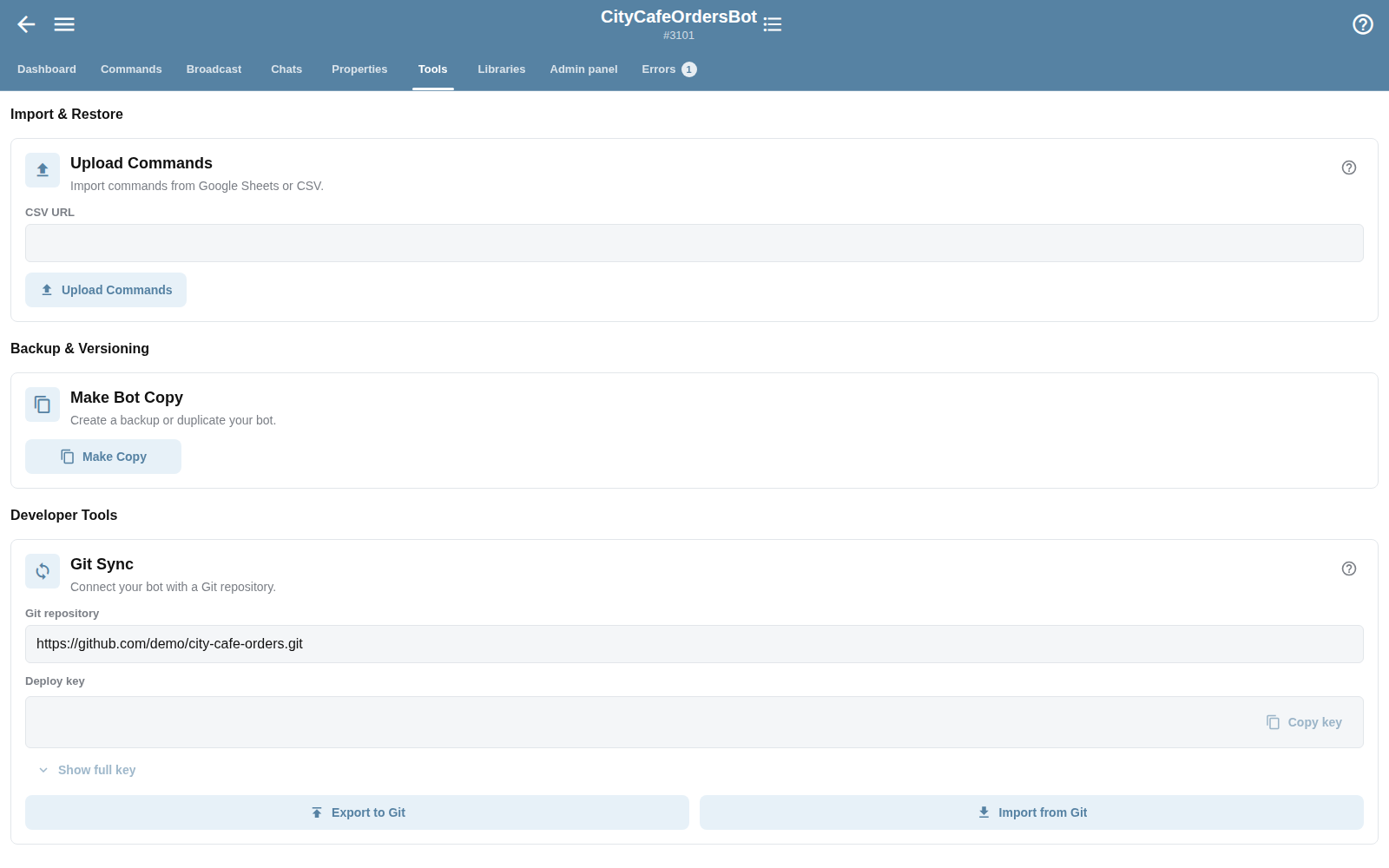
Import and export bot code for version control and repeatable delivery.
Automate authentication, bot lifecycle, commands, broadcasts, chats and configuration.
BJS quickstart
BJS is a JavaScript-like bot scripting environment. It is not Java, and it does not require a separate application server.
Read the technical BJS guide ↗/* /order_status */
const order = User.getProperty("order");
if (!order) {
Bot.sendMessage("No active order yet.");
return;
}
Bot.sendMessage("Order: " + order.status);API v2
Authentication details stay in the official docs. Marketing examples never contain real API keys, tokens or production bot IDs.
Explore API v2