For bot studios and client teams
Deliver configurable bots without exposing your code
Reuse the parts that should stay consistent while keeping each client’s configuration and operations understandable.
A repeatable delivery loop
From code to supported client bot
- 01
Develop
Build commands in BJS, VS Code or your Git workflow.
- 02
Configure
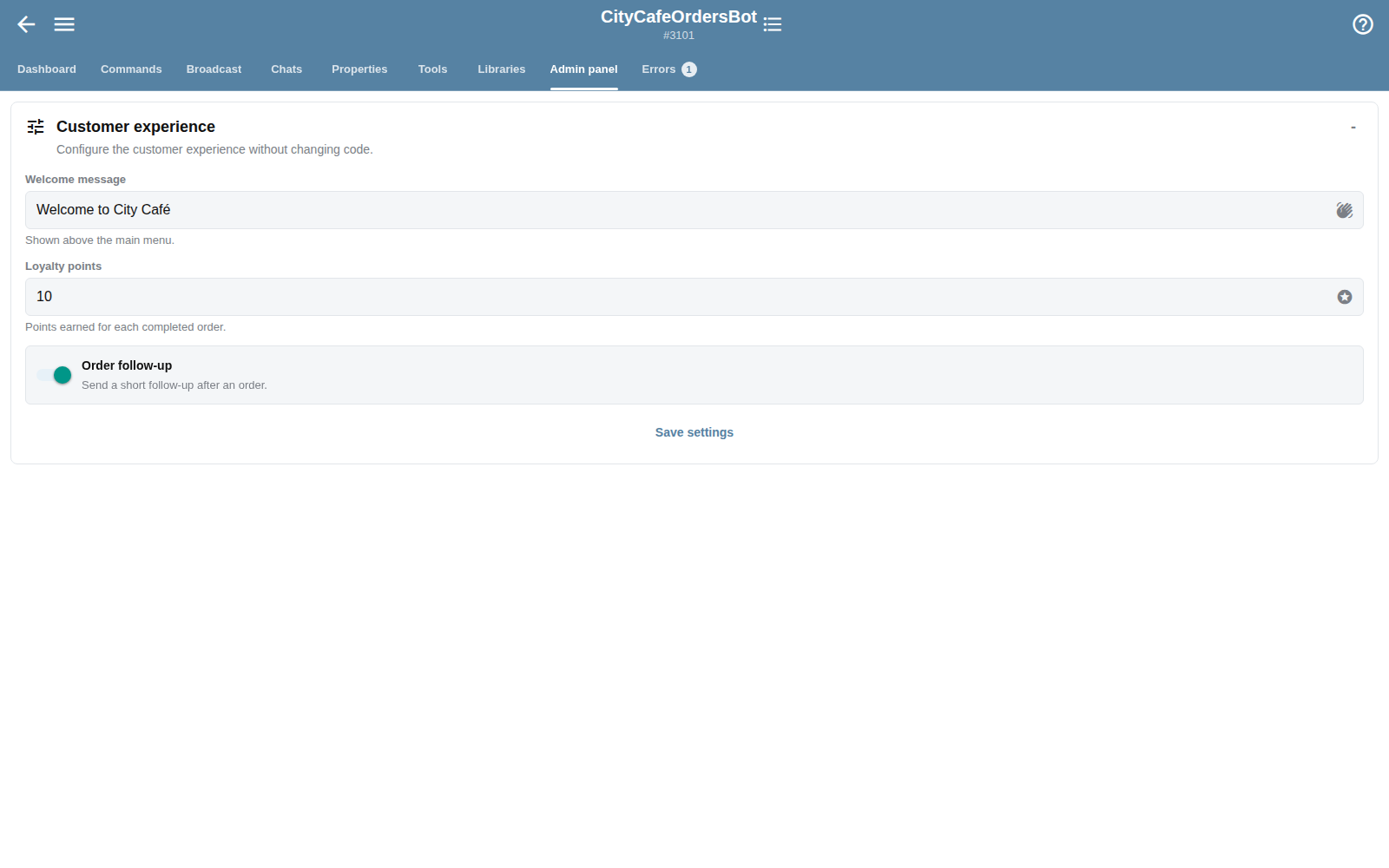
Expose client-safe values through typed Admin Panels.
- 03
Deliver
Copy or install a proven bot and apply client-specific setup.
- 04
Monitor
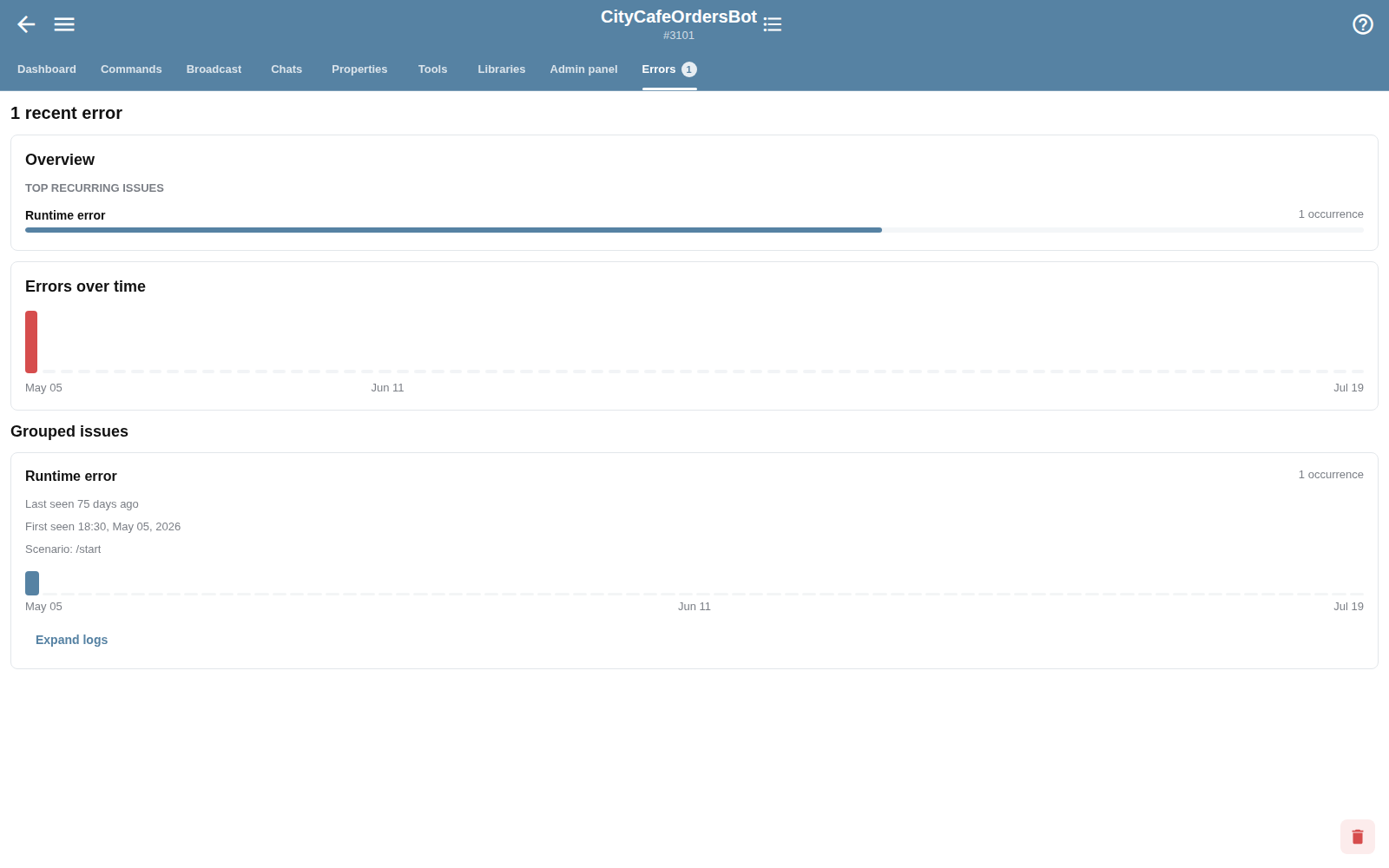
Use reports, errors and support context after launch.
Portfolio operations
Manage more than one bot without losing context
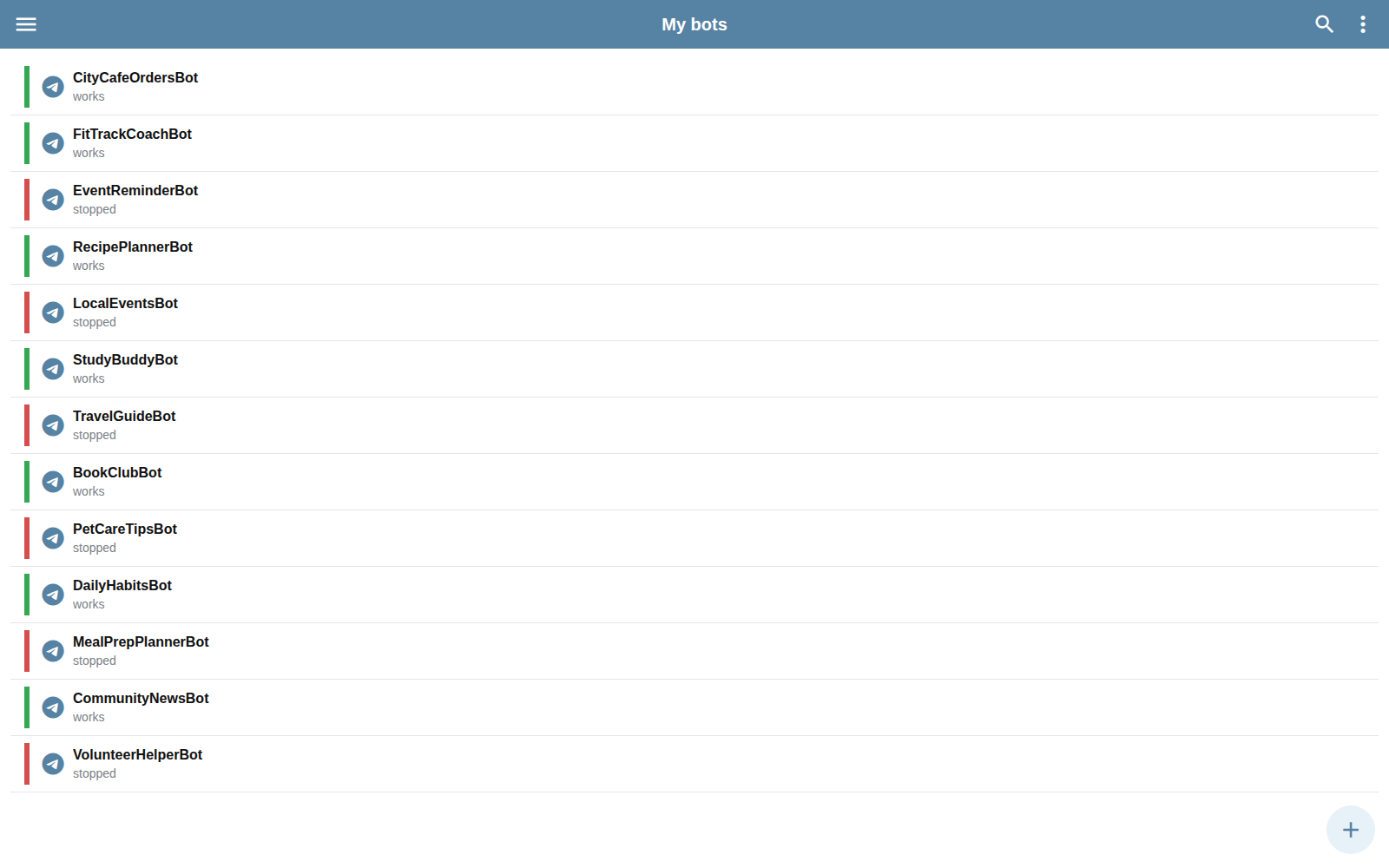
Search, sort, filter and pin bots. Open each workspace to reach commands, broadcasts, chats, properties, libraries, Admin Panels and errors.
Reusable, not exposed
Give clients controls without handing them implementation details