
 Download on Google Play
Example flow
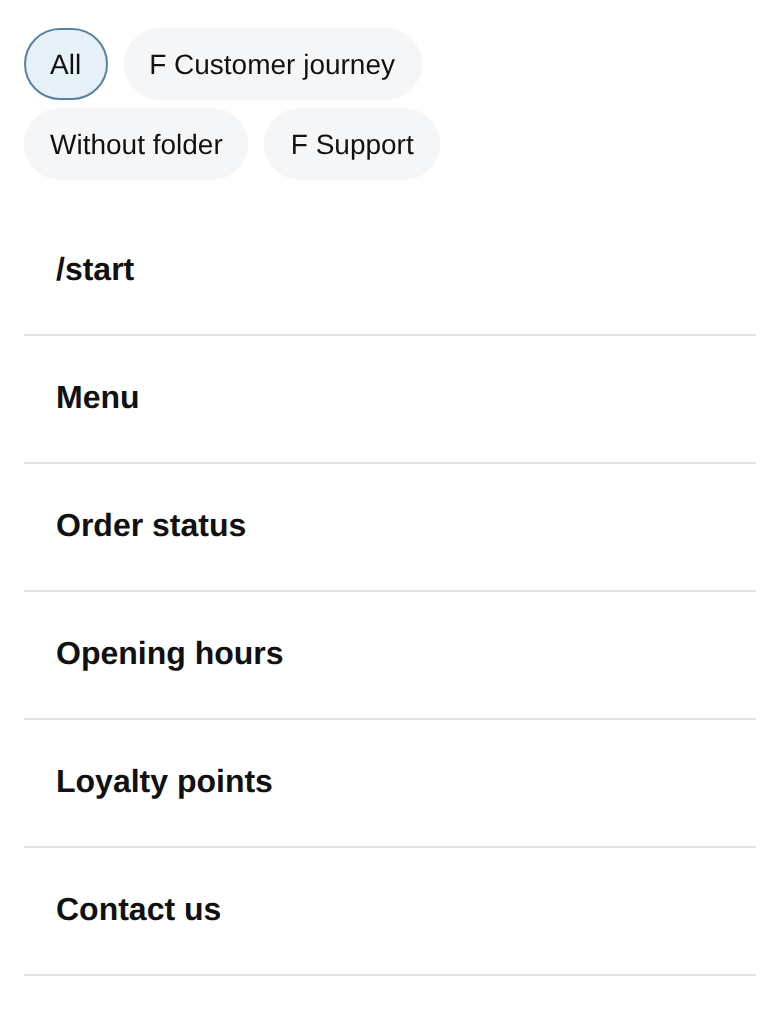
Welcome bot
A friendly /start message and simple navigation.
About 5 minutesLearn messages, commands and navigation.
Your idea. Your Telegram bot.
Install a working bot from the Store, make it yours and see it reply in Telegram. Free to begin — no experience needed.
1M+ Google Play downloads 10 years of Bots.Business Free plan
From idea to first bot

Pick a working bot, then open it in the web app or Android app.
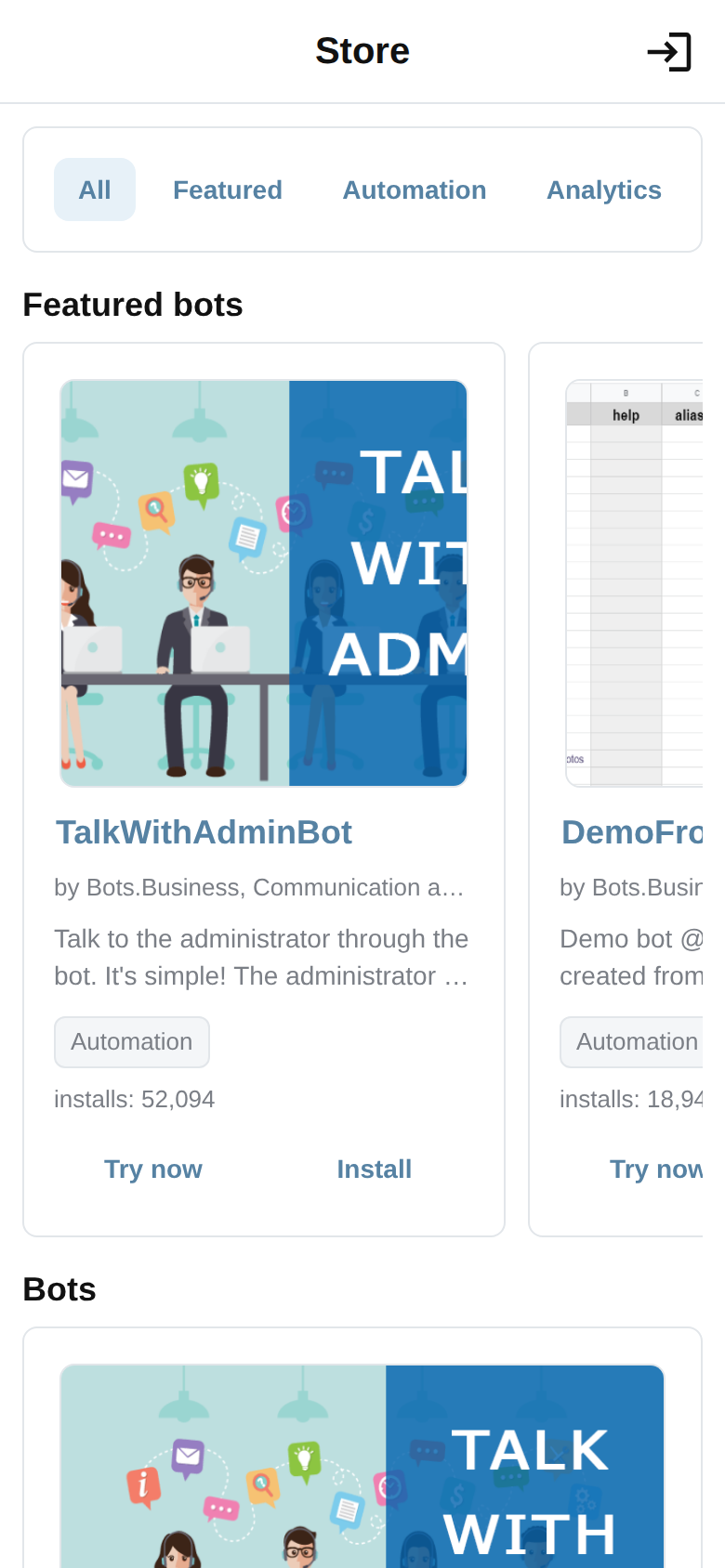
Change a welcome message, button or answer to make the bot feel like yours.
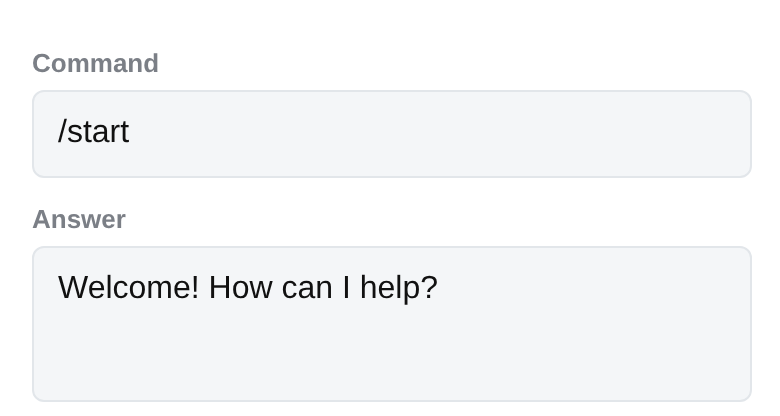
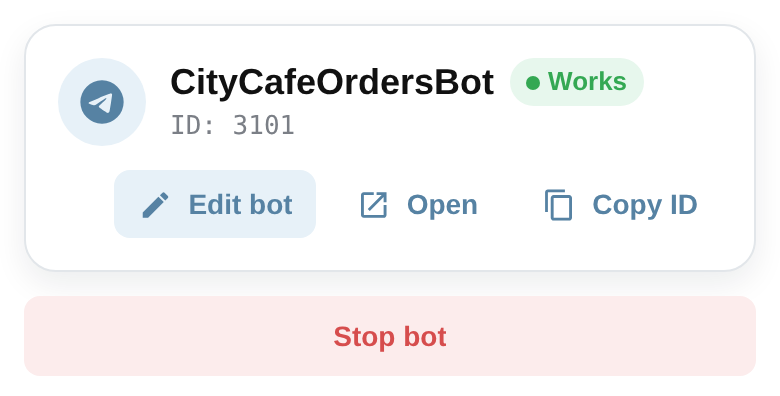
Run your bot and send /start to see your first result.
Start with a working bot
Free, functional bots give you something real to use, change and launch.
A friendly /start message and simple navigation.
About 5 minutesLearn messages, commands and navigation.A small bot with an inline keyboard and clear next actions.
About 10 minutesLearn buttons and simple bot actions.t.me/YourBot?start=ref_123
12 friends invited
A working example of links with parameters.
About 15 minutesLearn how a bot can track referral links.Everything you need to get moving
Start with the simple parts. More powerful tools can wait until you are ready for them.
Turn an idea into messages, buttons and simple actions — all in one friendly workspace.
Let your bot keep track of choices and useful details, so conversations feel personal.
Browse ready-made bots, then change the words, buttons and flow to fit your project.
Keep your community in the loop with clear messages and easy bot controls.
Start simple, explore how each command works, and add your own logic when you feel ready.
Pick the place that feels best today: the Android app or the web app.
Check activity, spot problems and make the next version even better.
Use your bot to welcome people, answer questions and share the news they need.
Turn a small idea into something useful
Give every new follower a warm hello and the next step to take.
Put helpful answers, links and buttons in one easy-to-find place.
Show your work, collect interest and keep your community close.
Create a quiz, a challenge or a tiny bot that makes someone smile.
Free means free to start
Use up to 10 million iterations every month with ads. That is plenty of room to turn your first idea into a real bot.
You are not building alone

Questions, answered
Yes. Start on the free plan with ads and up to 10 million iterations each month — plenty of room to learn, test ideas and build a useful first bot.
Open the free plan ↗No. Start with a template or the visual workspace, then learn by changing one small thing at a time. You can explore BJS later when you want more control.
Make your first reply →Pick a bot idea, create it in Telegram with BotFather, then follow the simple setup steps in Bots.Business. Your first version can be very small.
Read the first steps →Yes. Use the Android app when you are on the go, or open the web app on a bigger screen. Choose what works for you.
Download on Google Play ↗Yes. Browse ideas in the Store, choose a bot you like and make it your own after you sign in.
Browse the Store →An iteration is one small piece of work your bot does, such as running a command. The free plan includes up to 10 million each month.
How iterations work →Bots.Business grows with you. Code, Git, VS Code and API tools are available when you want to explore a more technical workflow.
Explore advanced tools →Start with the step-by-step guides on this site. Technical Help, the support chat and the live status page are available when you need something more specific.
Browse guides →Curious how it works?
Pick a simple example, connect a test bot and see how a bot responds. It is an optional next step for anyone ready to peek behind the scenes.
Your first bot starts here