
 Download on Google Play
Example flow
Welcome bot
A friendly /start message and simple navigation.
About 5 minutesLearn messages, commands and navigation.Free, working Telegram bots
Choose a bot from the Store, install it, then make it your own.
Real bots from the Store
These free bots come from the public Bots.Business Store collection “Sample bots”.

A friendly /start message and simple navigation.
About 5 minutesLearn messages, commands and navigation.A small bot with an inline keyboard and clear next actions.
About 10 minutesLearn buttons and simple bot actions.t.me/YourBot?start=ref_123
12 friends invited
A working example of links with parameters.
About 15 minutesLearn how a bot can track referral links.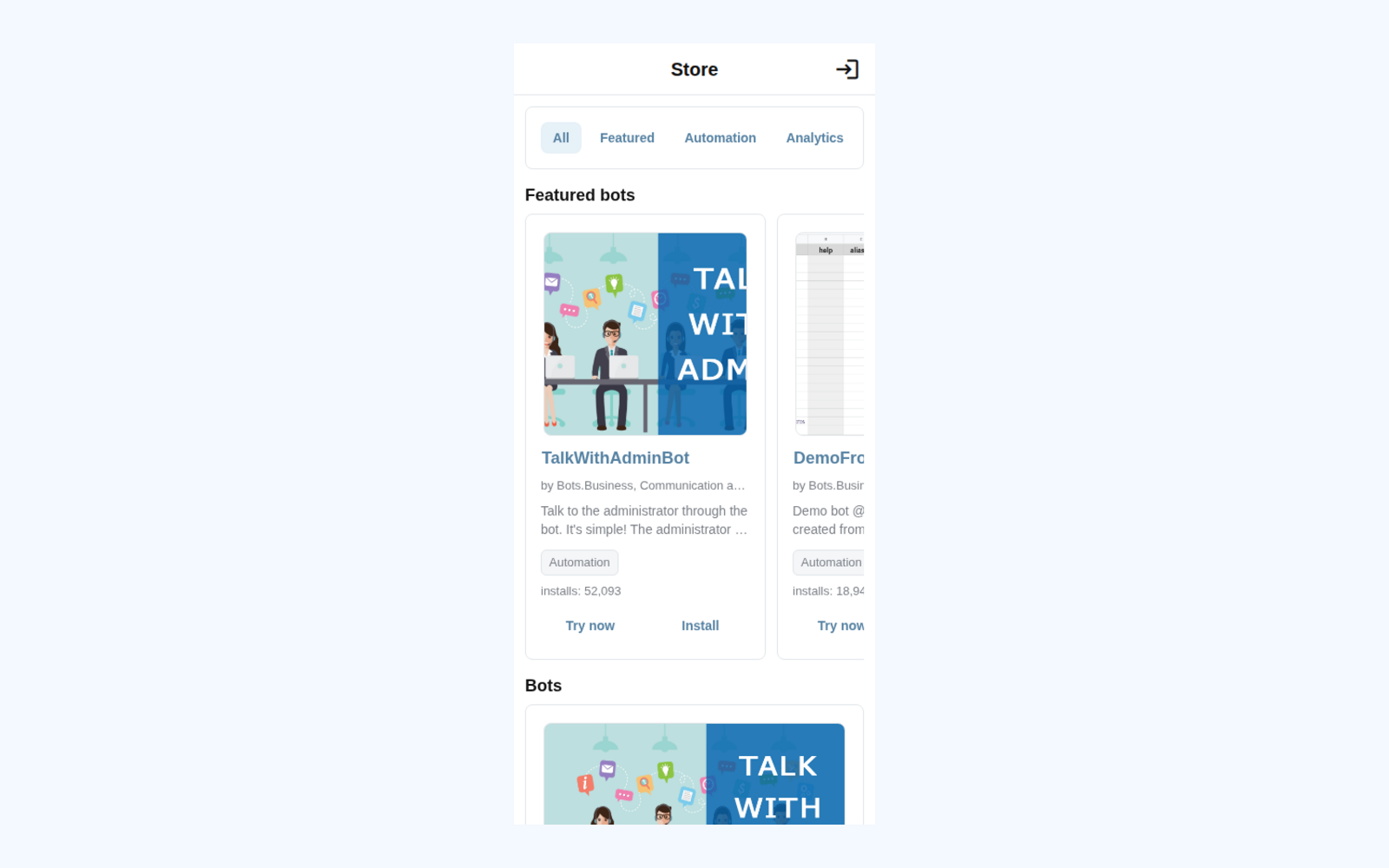
Install flow

Open a bot and review what it can do.
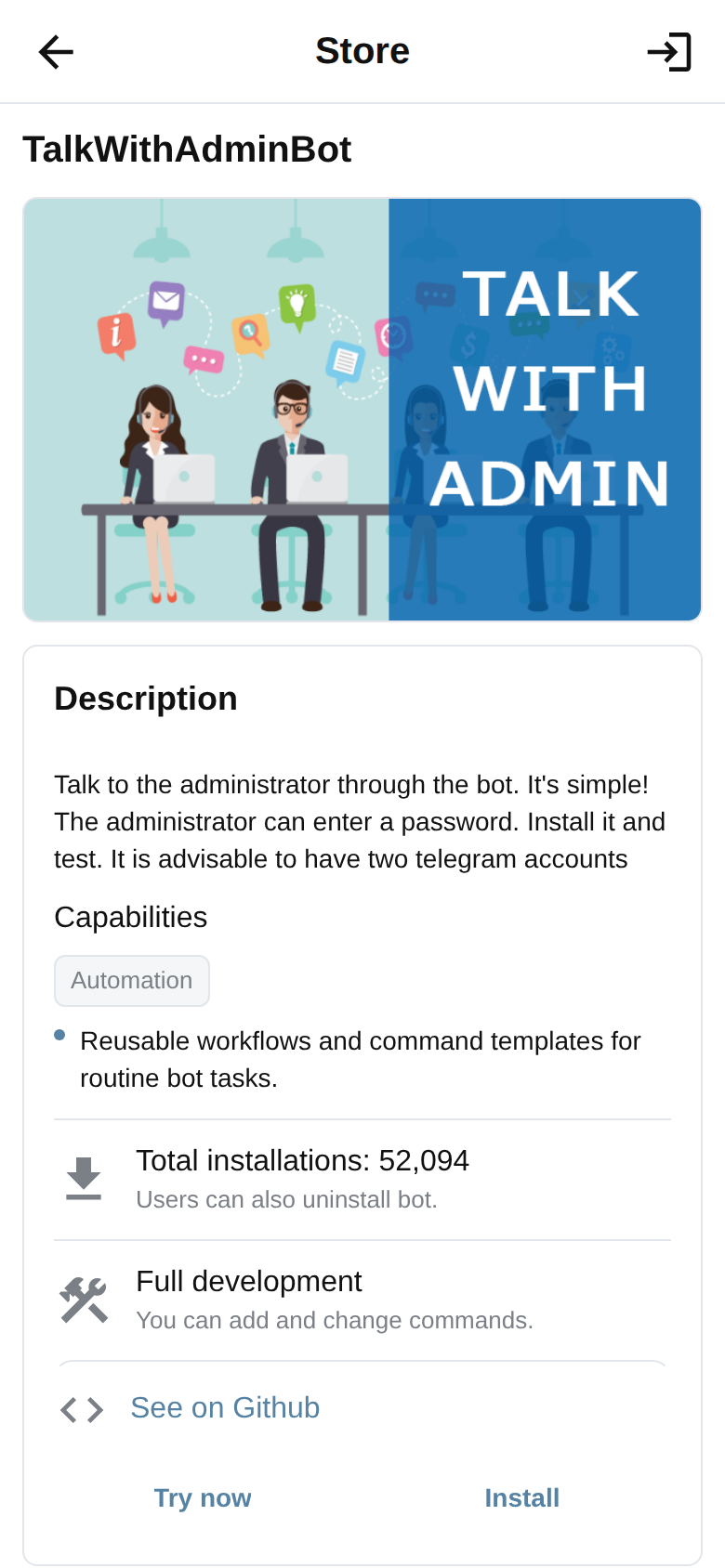
Sign in to Bots.Business to install a copy.
Install only after an explicit final action, then make it your own.