
-
Step 1
Choose how to start
Install the Welcome bot from the Store for a working starting point, or create a blank bot in the app.
Browse the Store →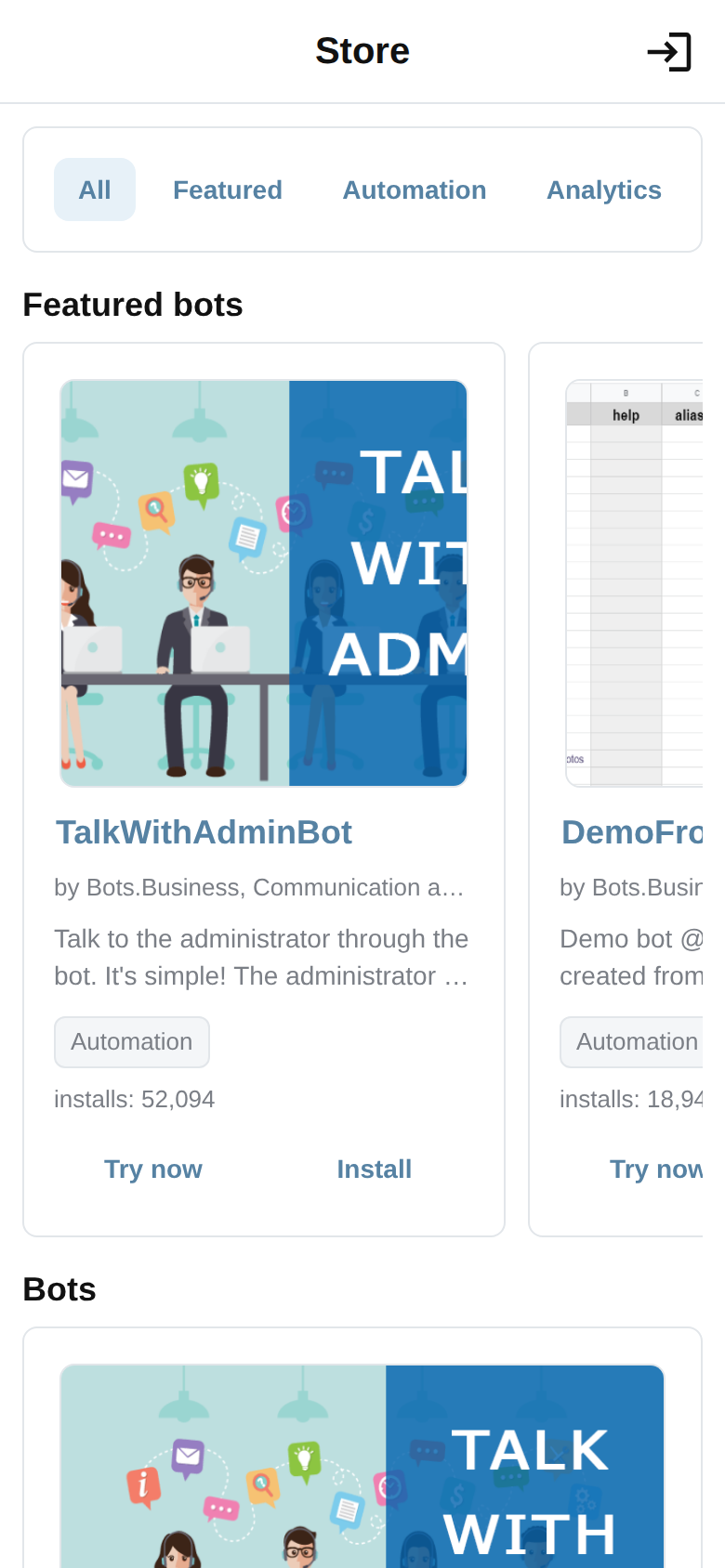
-
Step 2
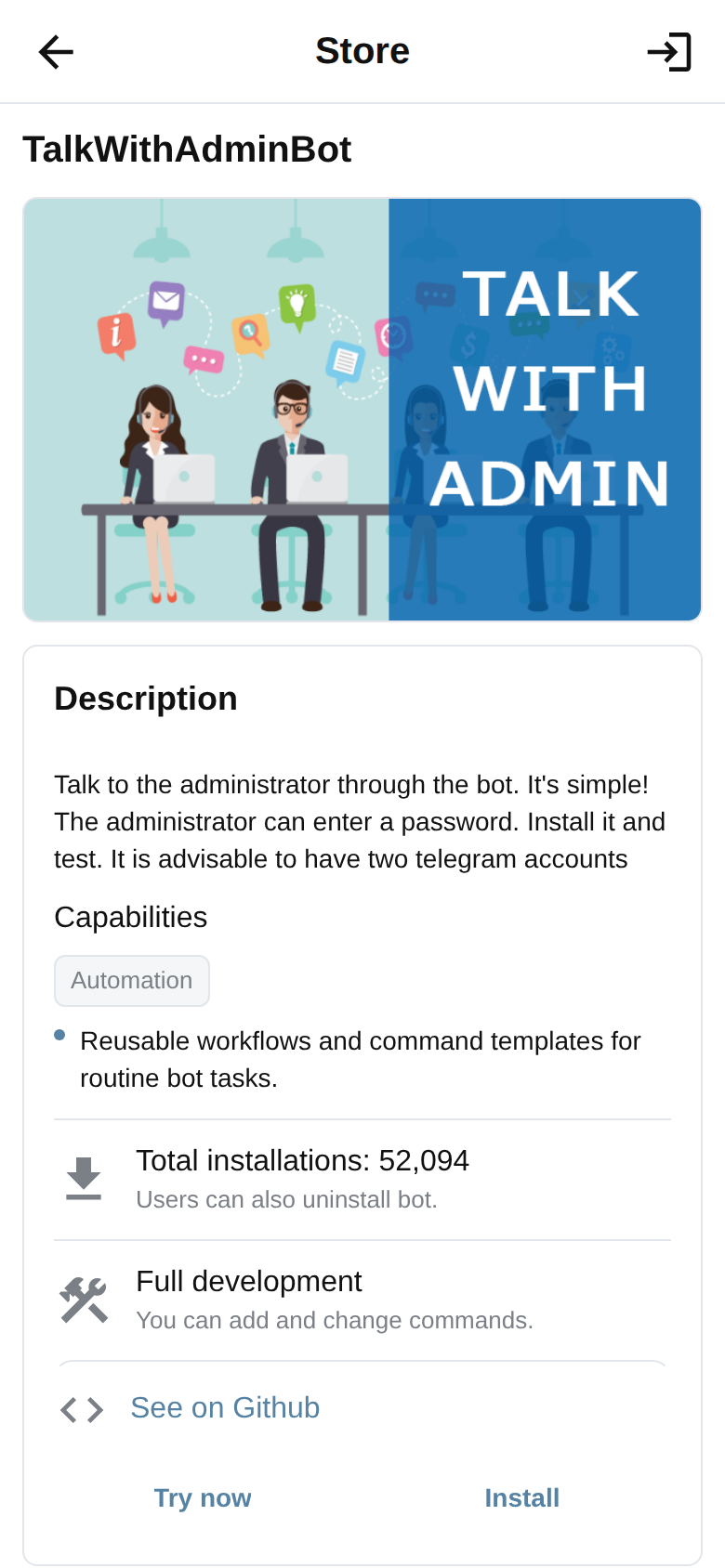
Sign in and confirm
Sign in to Bots.Business and complete the explicit install or create action in the app.
-
Step 3
Connect Telegram
Create a Telegram bot with BotFather, then add its token only in the Bots.Business app.
Follow the connection guide →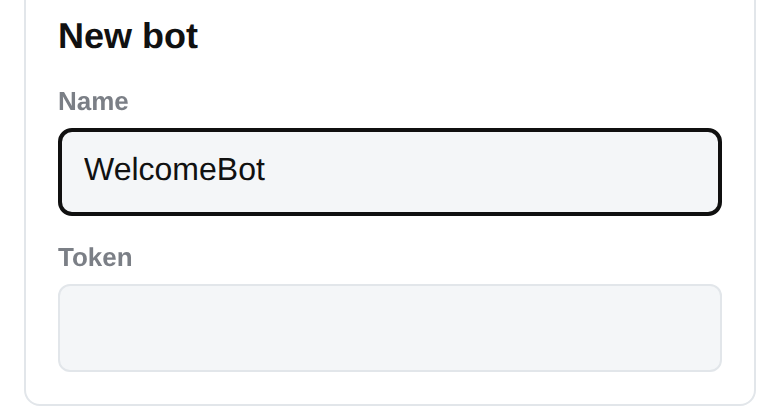
-
Step 4
Make one change
Open Commands and change the /start answer so the first message sounds like yours.
Make your first reply →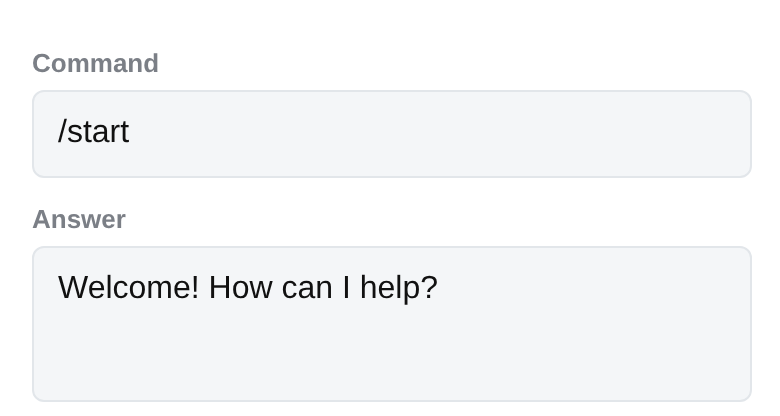
-
Step 5
Run and test
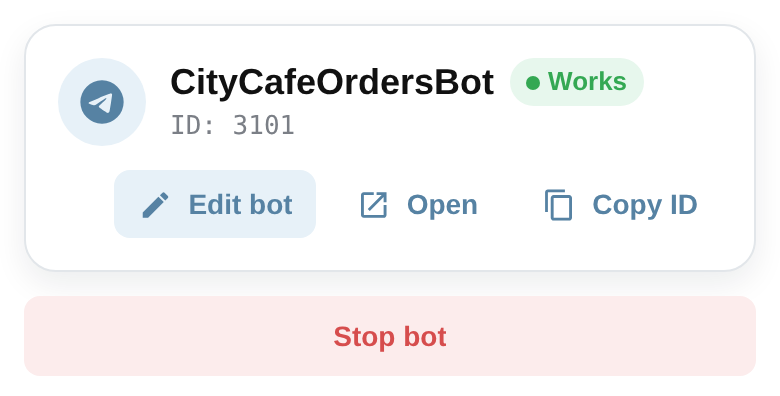
Start the bot, open it in Telegram and send /start. Its reply is your first working result.
Next step
Connect your Telegram bot
Keep your momentum with the next small, practical result.
Connect your Telegram bot