
-
Step 1
Open Commands
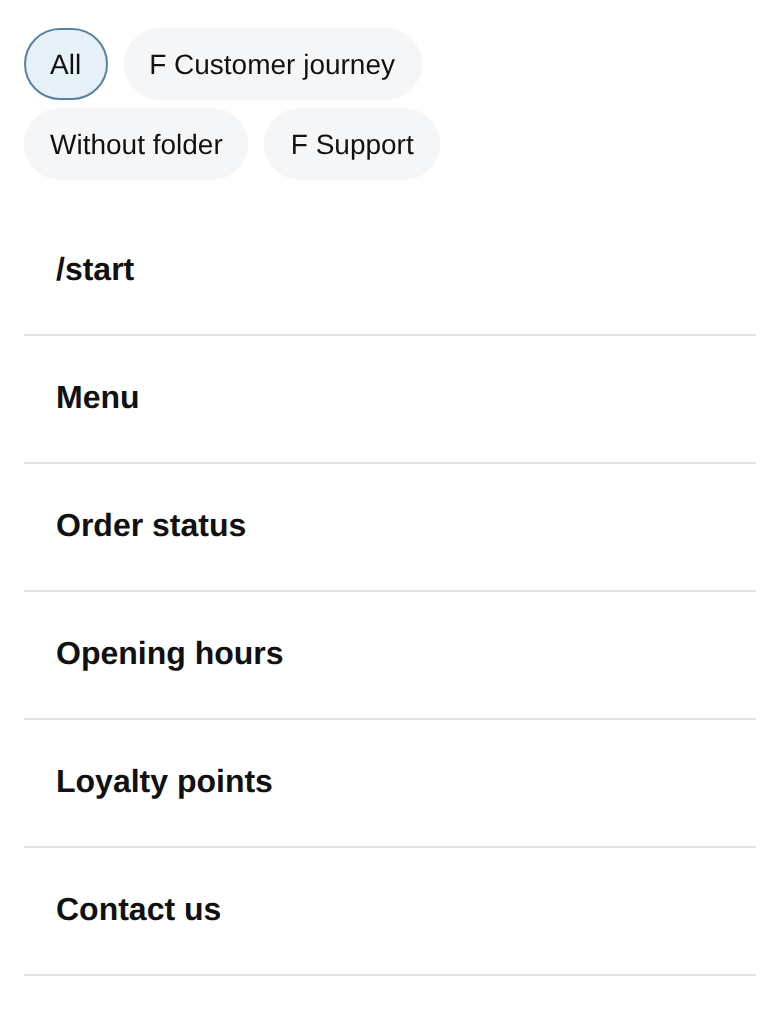
Open your bot workspace, choose Commands and select /start. Create it if it is not there yet.
-
Step 2
Write a simple answer
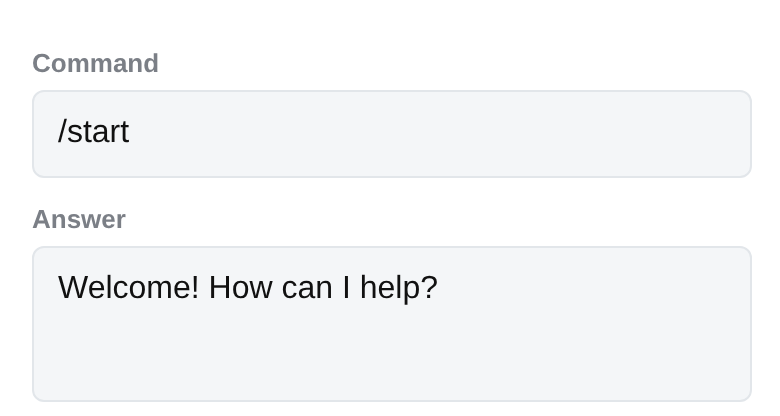
Use the Answer field for a short welcome, such as: Welcome! How can I help?
-
Step 3
Save and run
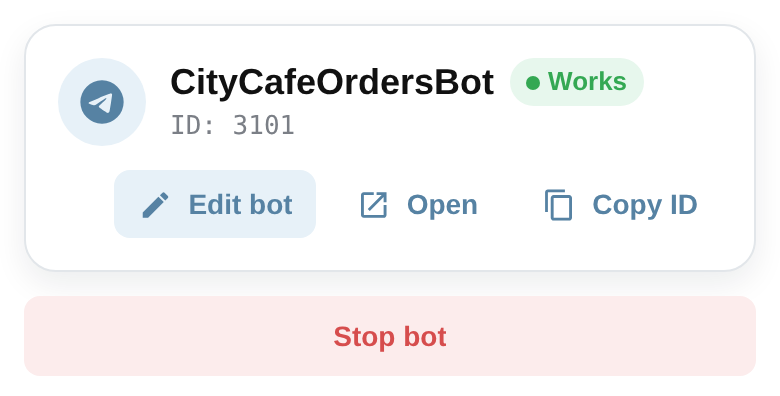
Save the command and make sure the bot is running from its dashboard.
-
Step 4
Test in Telegram
Open your bot in Telegram and send /start. Return to the Answer field if you want to refine the wording.
-
Step 5
Add a Help button
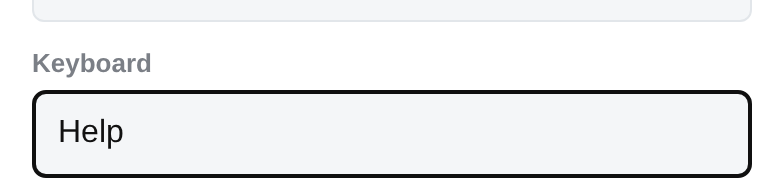
Create a /help command with its own Answer, add Help as its alias, then put Help in the /start keyboard field.
Next step
Explore what to build next
Keep your momentum with the next small, practical result.
Explore what to build next