
-
Step 2
Choose a name and username
Pick the display name people will see, then choose an available username ending in bot.
-
Step 3
Copy the token privately
BotFather will send a token. Treat it like a password and never put it in a public message, screenshot or guide.
-
Step 4
Connect it in Bots.Business
Return to the bot you installed or create a new one, then paste the token only into the app's bot token field.
Open the web app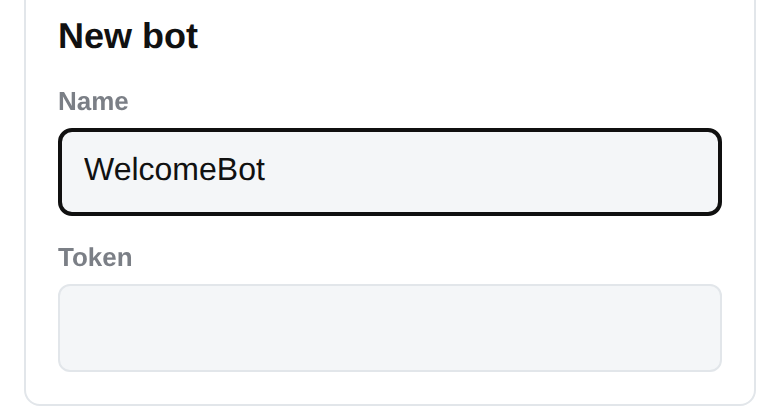
-
Step 5
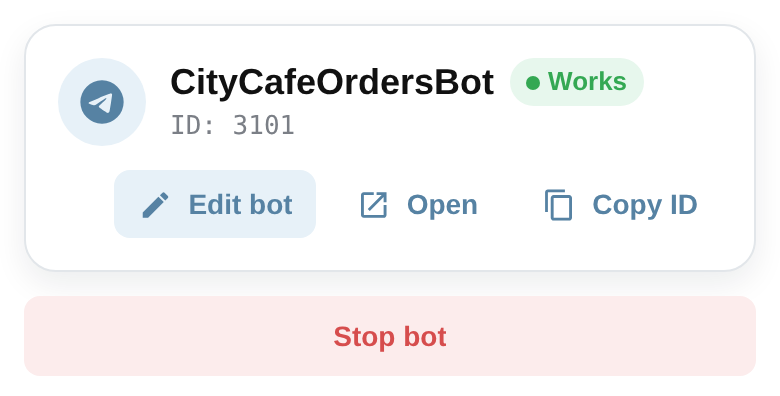
Create and run the bot
Finish the create or connect action, open the bot dashboard and start the bot.
Next step
Make your first reply
Keep your momentum with the next small, practical result.
Make your first reply